MBTA Blue Book Redesign
Responsibilities
Role
Tools
Prioritizing the user experience is always a driving factor of mine—so when I was faced with the challenge of designing a microsite for the Massachusetts Bay Transportation Authority Blue Book, I was excited to put my technical, design, and organization skills to use to make navigating through large amounts of data more bearable.
Skills/Tools
Persona development
Sketching & Wireframing
Adobe XD
Overview
The MBTA has published several editions of the MBTA Ridership and Service Statistics, also known as the “Blue Book”, since 1988. The Blue Book contains a collection of MBTA data such as ridership, bus speeds, track distances, fleet rosters, and more, but its updates have been inconsistent and its lengthy PDF format was inconvenient to navigate.
One of my first projects at MassDOT/MBTA’s Office of Performance Management and Innovation, another co-op and I worked on converting the PDF into a website. While he worked on the data organization aspect of the project, I led the redesign process of transforming the Blue Book PDF into an interactive website that was easy to navigate for its main userbase.
Responsibilities
- Identified four groups of target audiences and developed user personas
- Led design efforts and technical research as sole designer and one of two developers on team
- Designed potential screens and flow of microsite with sketches and interactive wireframes
- Analyzed technical requirements for hosting desired microsite versus available hosting environment and capabilities
Process
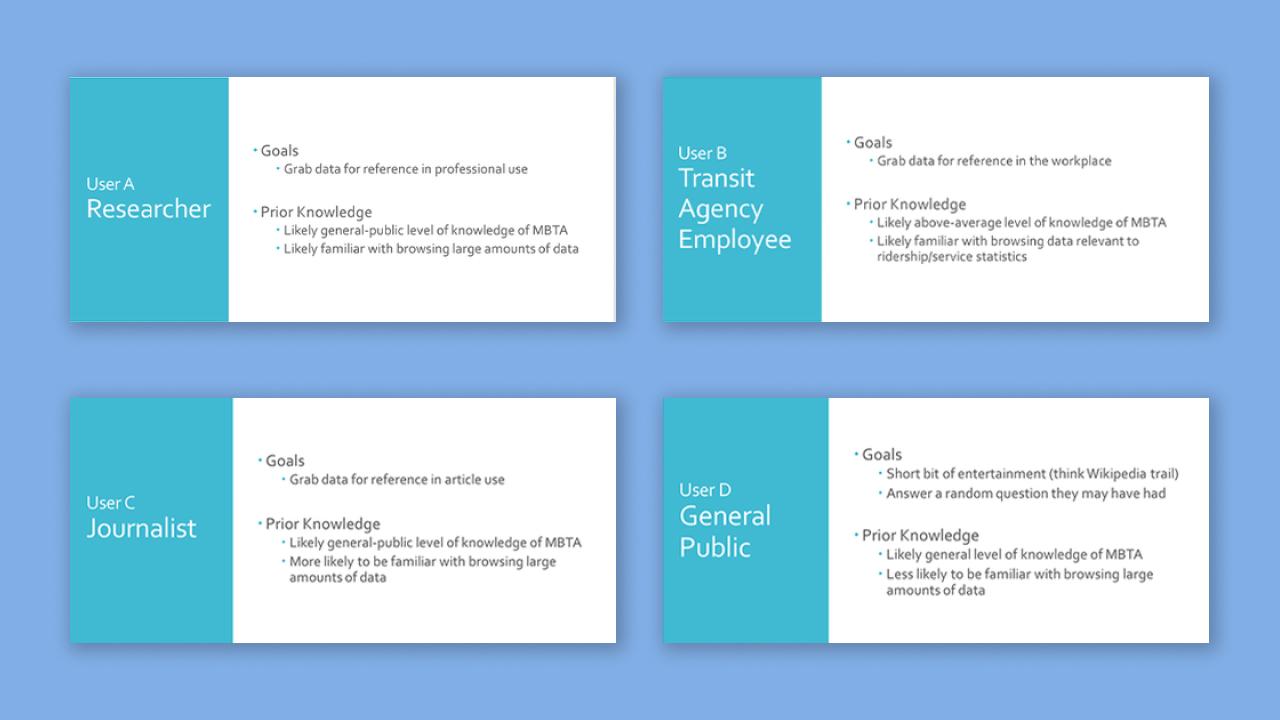
Four different user types I identified for the MBTA Blue Book project. The first two, Users A and B, were designated as the priority.
- User A: Researcher
- User B: Transit Agency Employee
- User C: Journalist
- User D: General Public
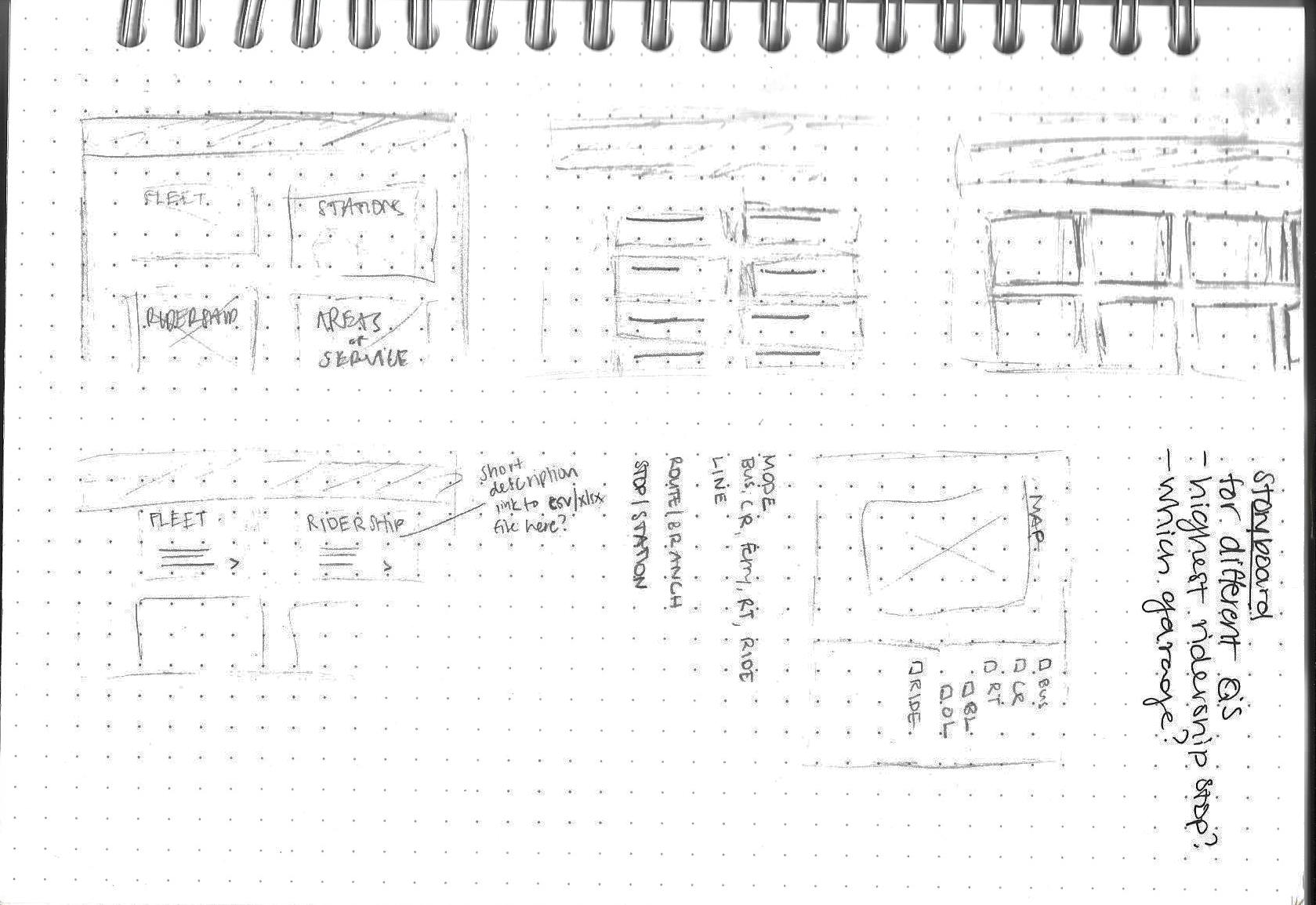
Initial sketches trying to figure out a way to display content
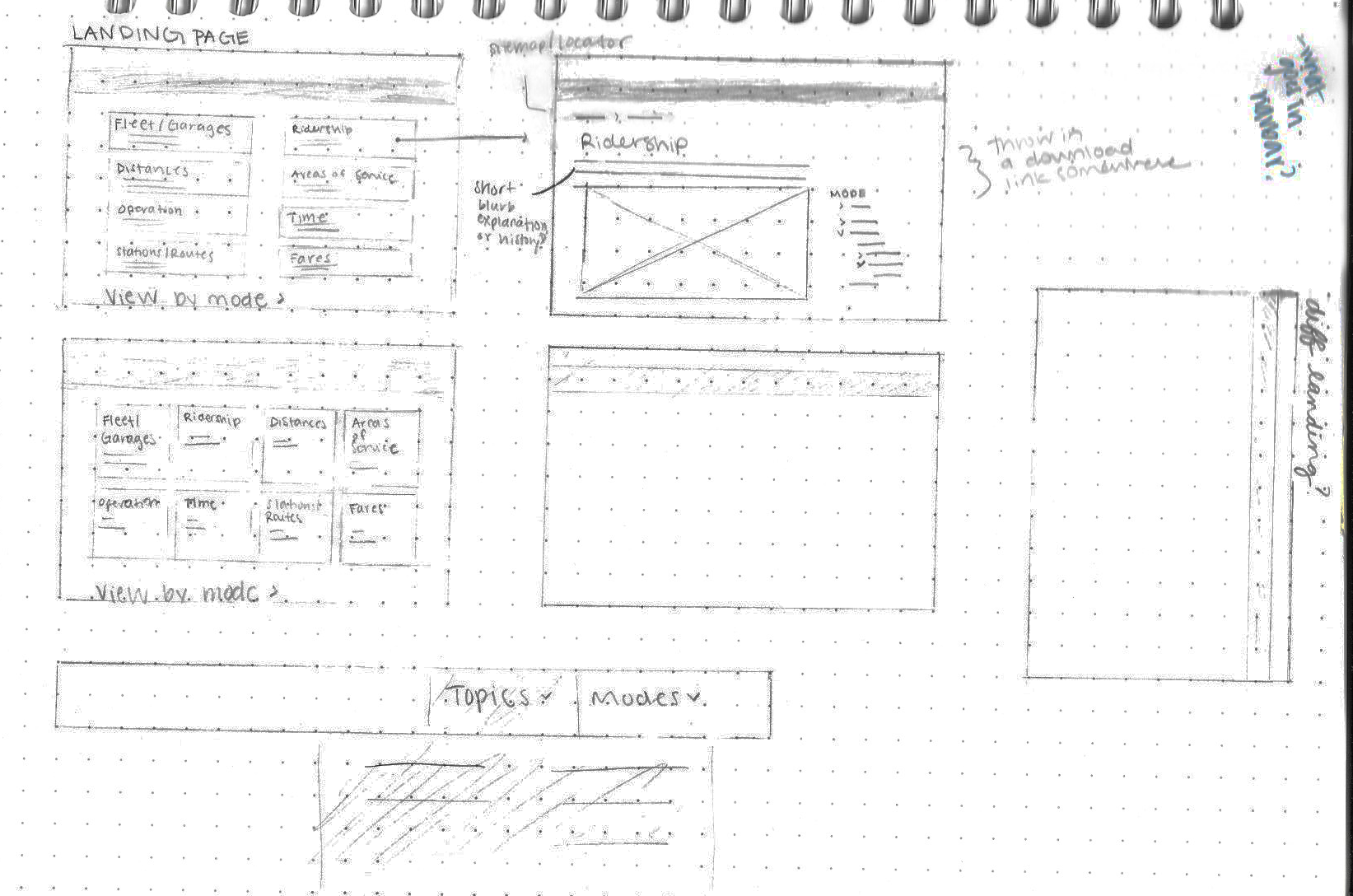
Slightly more refined pencil sketches of two landing page options and a subpage
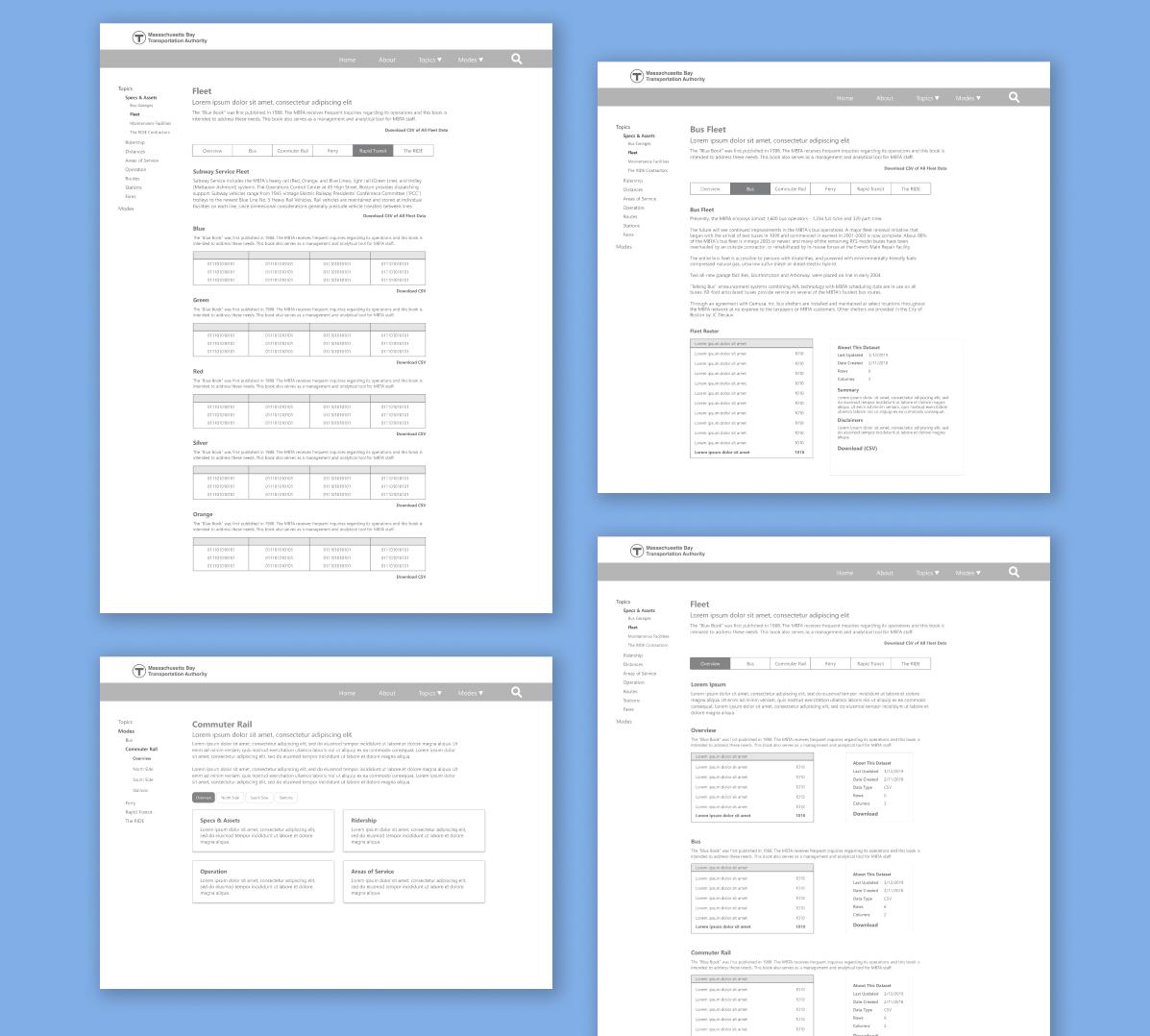
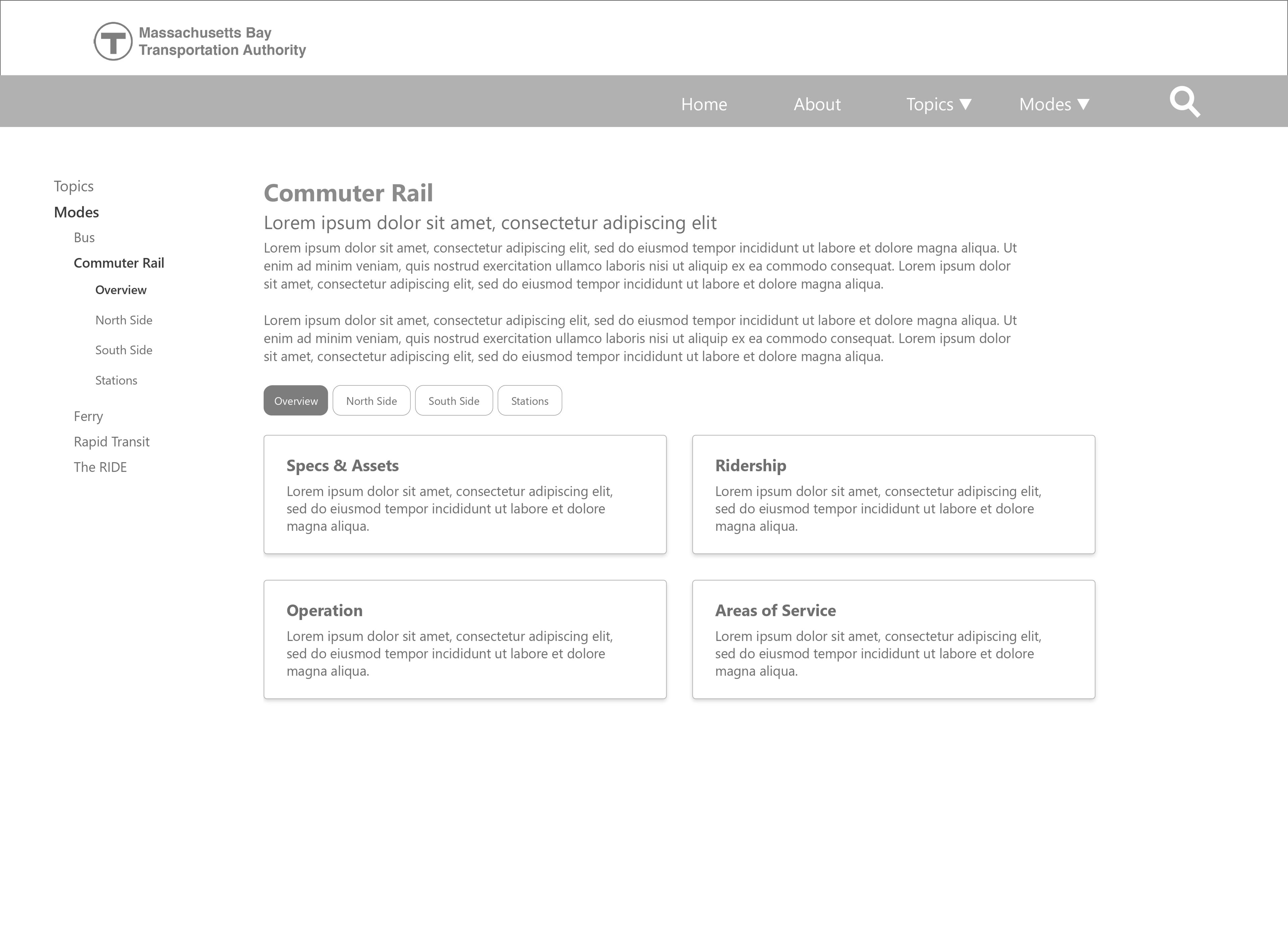
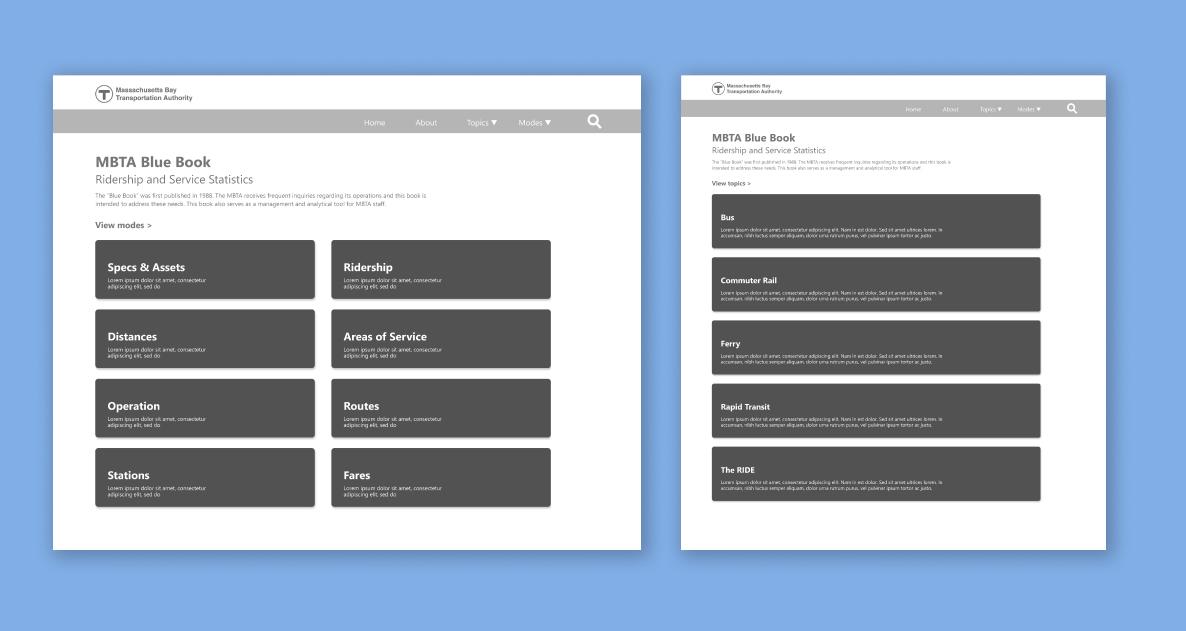
Wireframes for the main landing page, which could be navigated according to data topic or transit mode. This was based on the notion that journalists or researchers could be specifically looking for data on one topic from all modes of transit, or all the data regarding one specific mode.
Upon further research into the technologies available to my team as a subunit of a government agency, I found that our version of PHP was too outdated to create what we wanted to accomplish—it would take requests to the IT department that affected more websites than our own and an approval and testing process that took longer than my co-op duration to be able to build a new microsite.
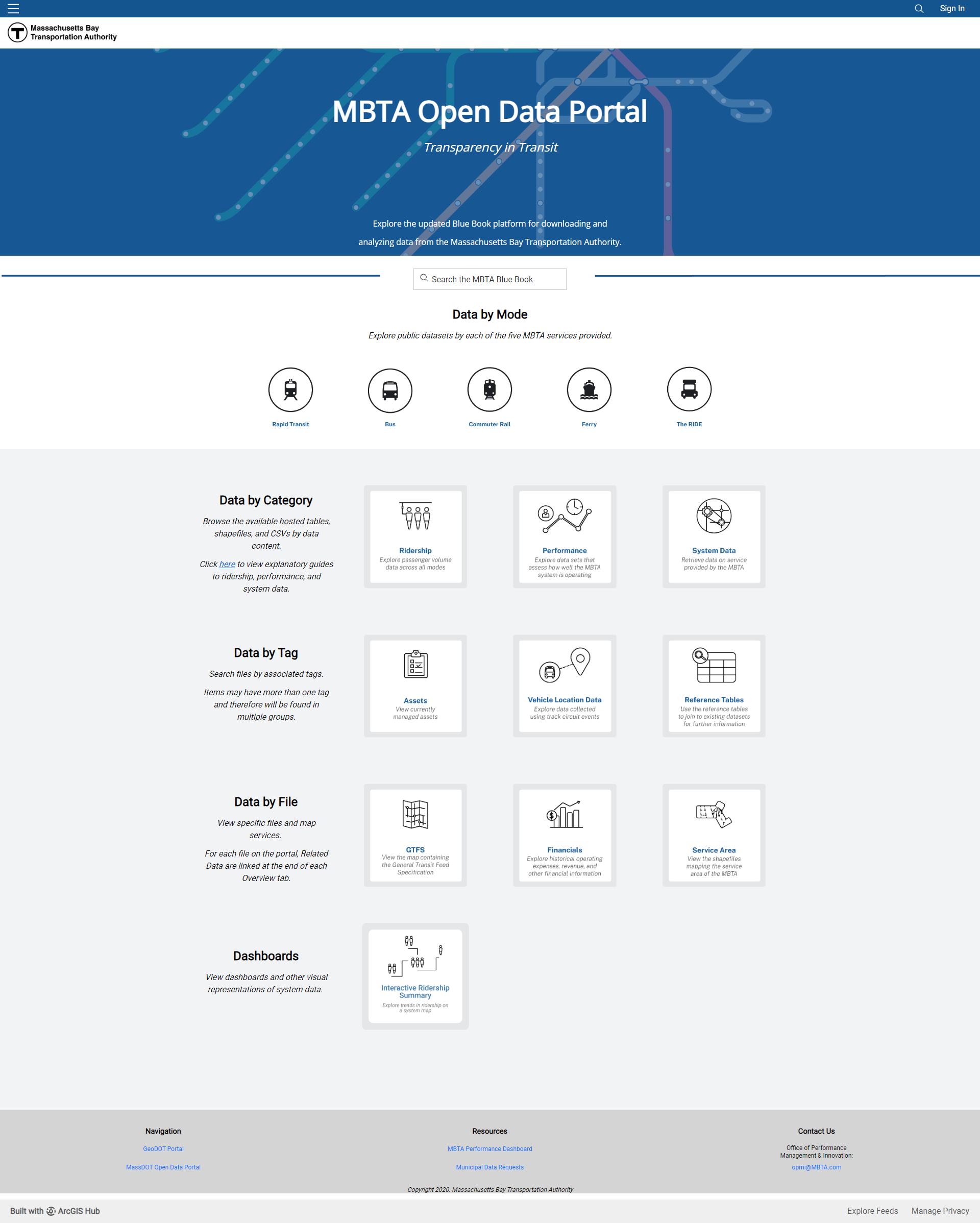
With that in mind, we decided to pivot our approach and build an open data portal using a service that was already available to us: ArcGIS. ArcGIS allows you to create a live open data portal and design the look and feel of the site. Though I couldn't be granted access to handle the design myself, my wireframes were given to the appropriate department, and elements of my designs were used in the final product.